 FlowSpot
Get the app
FlowSpot
Get the app
Shooting and handles
Every shot leaves a trail. Every handle becomes rhythm. The camera does the work. The court stays clean.
A session
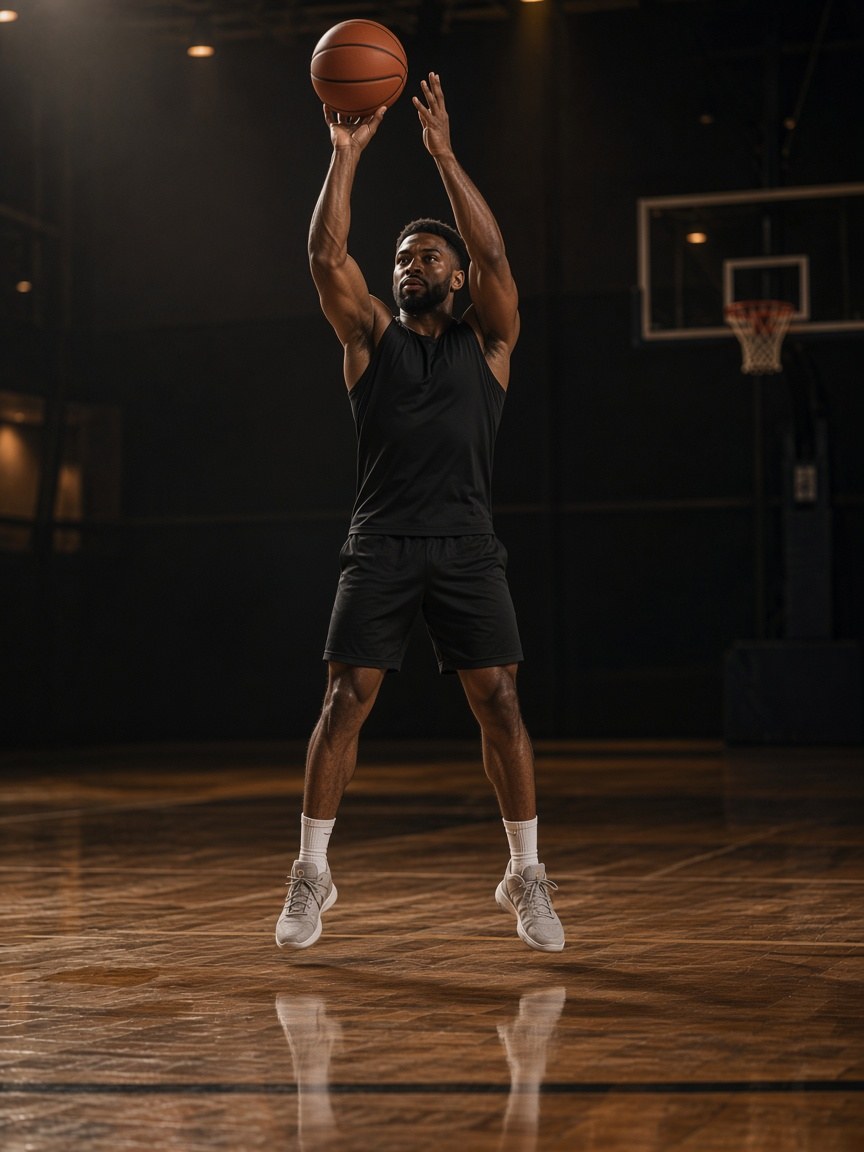
Shooting
Makes and misses. Arc and streak. The gold trail is the work. The rim pulses when it drops. You see the trail and the session numbers. The model never appears on the court.
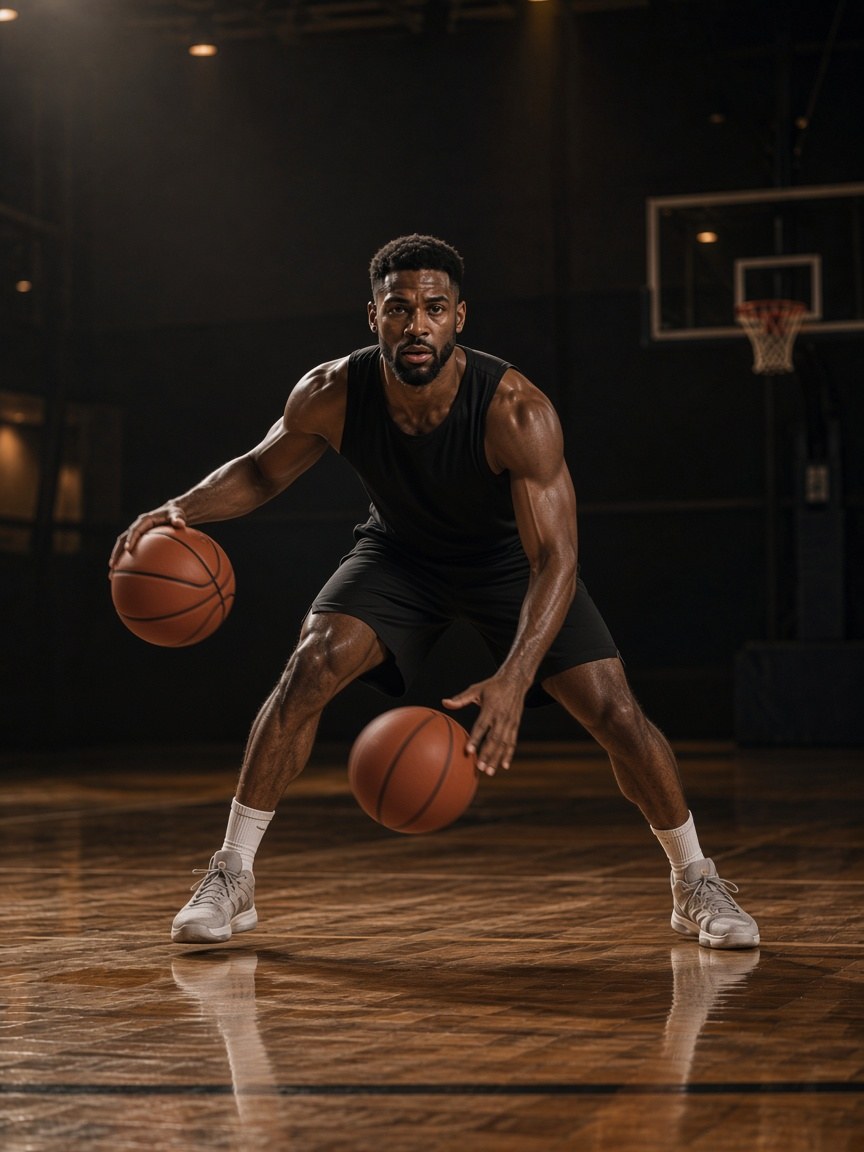
Handles
Pound, crossover, weak hand. A short cyan trail and bounce rings keep the rhythm in view. Count and control come from the session you just played, not from a sensor on the ball.
Coach
After a drill or a session, the coach can talk. Not after every shot. Recaps, the next drill, and a plan built from the work you just put in. Voice is optional. Video stays on the phone unless you export. Burned trails and weekly reports sit on FlowSpot Pro.
iOS and Android. Portrait for setup. Landscape when you play.
Store links appear here when they are published.